.png?width=200&height=89&name=CC%20logo%20blue-1%20(1).png)
The Edit Category area allows site admins the option to configure the site's display categories.
🔔Note: The Edit Category area is only available for sites that have Category Navigator & Showcase enabled.
See: Category Navigator
Please contact support@contentcatalyst.com to ensure this has been enabled for your site.
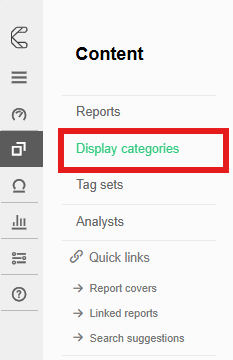
To access the Edit category area, first head to Admin > Site Administration > Display Categories.
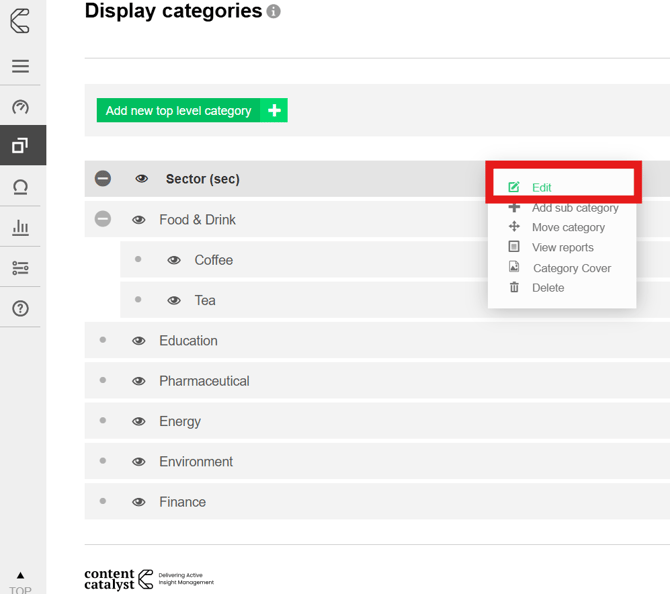
Hover over the category that you wish to configure and select the 'Edit' option.
The following areas can be configured via this page.
-
Category Name
-
Category Code
-
Category Description
-
Visibility
-
Category Cover
Category Name:
Applied via the Category name and Category code fields highlighted below.
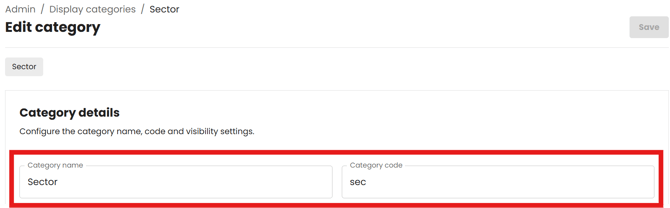
Categories can be ordered alphabetically by Name or by Category Code.
🔔Note: To change the ordering of Categories, please contact support@contentcatalyst.com for more information.
Category Description:
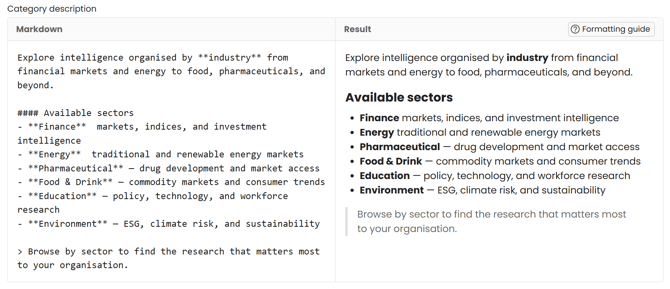
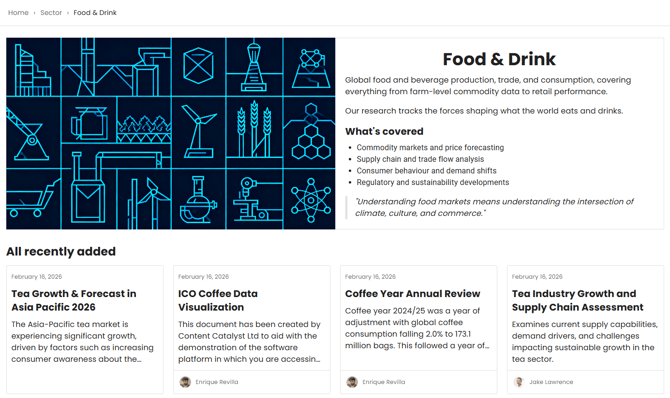
The Category description applied in this area will appear within the Category Hub Hero section.
Use Markdown-formatted text to add the description.
See our Markdown formatting guide below:
|
WHAT YOU TYPE |
FORMAT |
|
**bold text** |
Bold |
|
*italic text* |
Italic |
|
***bold italic*** |
Bold + Italic |
|
### Heading |
Heading (H3) |
|
#### Subheading |
Subheading (H4) |
|
- Item |
Bullet list |
|
1. Item |
Numbered list |
|
[text](url) |
Link |
|
> Quote text |
Blockquote |
See example below:
Visibility
Hidden categories can be used to license specific content to a customer without other customers seeing these while they browse the site.
Use the 'Hide this category' toggle to make the category hidden.

Hidden categories are not displayed on the Showcase page.
🔔See: Hidden Categories
Category Cover:
Upload a cover image for this display category.
This image appears on the showcase and category Hub: Hero section.
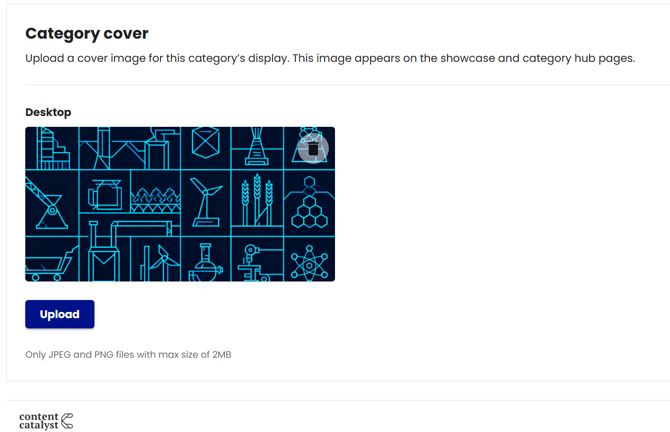
Only JPEG and PNG files with the max file size of 2MB can be applied here.
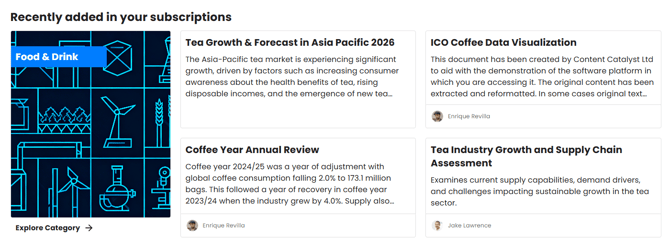
Once the changes have been applied to your category, these will be reflected in the following areas:
Showcase Category sections
Category Hub Hero sections
🔔See: Category Hub & Showcase