.png?width=200&height=89&name=CC%20logo%20blue-1%20(1).png)
Go to the Accounts section in the Admin features menu. Click the Related Actions tab on the right-hand side and select the Download account list option.
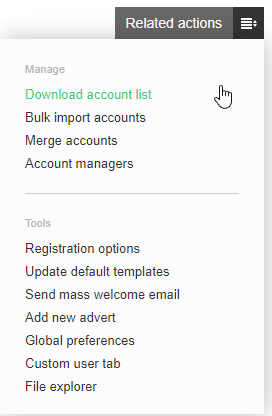
Follow your browser's procedure for downloading files to export the list of accounts to Microsoft Excel. The list will display the same details as the Accounts page.