.png?width=200&height=89&name=CC%20logo%20blue-1%20(1).png)
To access the user profile menu simply select the icon in the top right hand corner.
This will either be the username intials or a profile picture if this has been set.
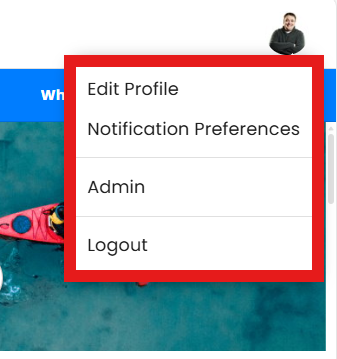
Edit Profile
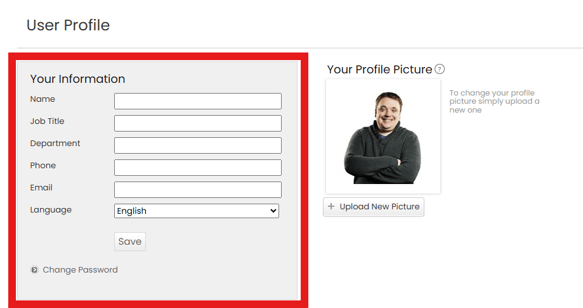
Your Information
Users can edit the following fields in the 'Your Information' section:
Name
Job Title
Department
Phone
Language
Your Profile Picture
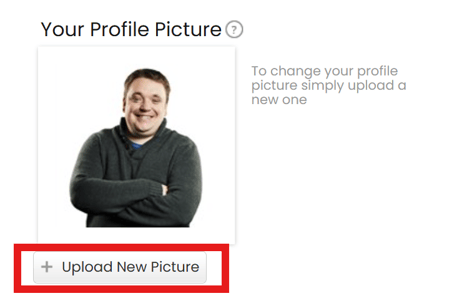
Users can upload a profile picture.
- The maximum image size that can be uploaded as a profile picture is 1MB
- You will see your profile picture displayed in a number of places when using the site
- Your profile picture is also visible to other users on your account when leaving shared comments
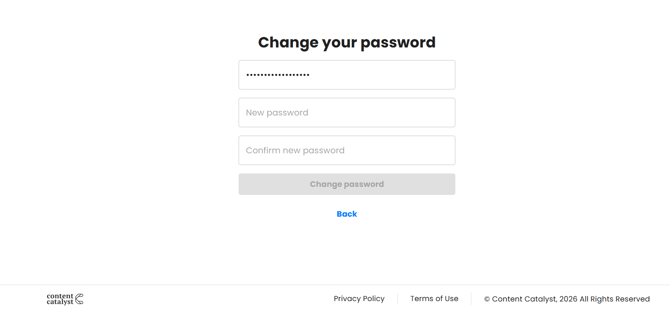
Change Password
Users can use this option to change or update their own password.
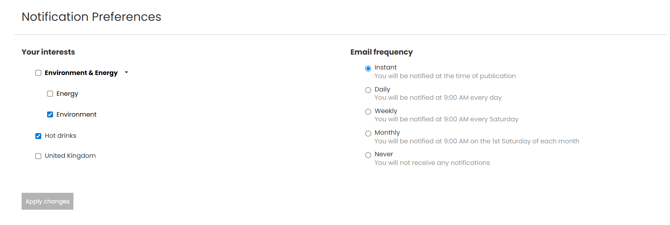
Notification Preferences
Users can set their own personalised Content Notification preferences interests and email frequency If this has been enabled for the user.
🔔See: Personalised Content Notifications for more information.
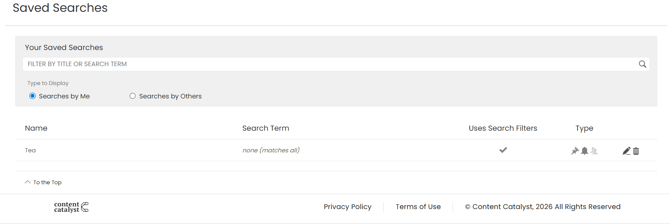
Saved Searches
Saved Searches can also be amended in the Notification Preferences area.
Admin
If the user has administrator permissions applied, they will be able to access the admin area via this option.

Logout
This option will log the user out and return the user to the default login screen.